Local OCR (Offline Recognition)
Turn scanned documents, receipts, and image-based PDFs into editable, searchable text using high-accuracy local recognition — 100% offline with zero cloud uploads.
Why Choose Offline Local OCR?
- 🔒 Total Privacy 100% processed locally on your PC. Sensitive medical records, contracts, and IDs never touch the cloud.
- ⚡ Maximum Speed Runs instantly using your device's native OCR hardware acceleration. No upload wait times.
- 📦 No Restrictions OCR hundreds of pages without page caps, recurring fees, or internet connection requirements.
🖥️ Local OCR Interface Preview
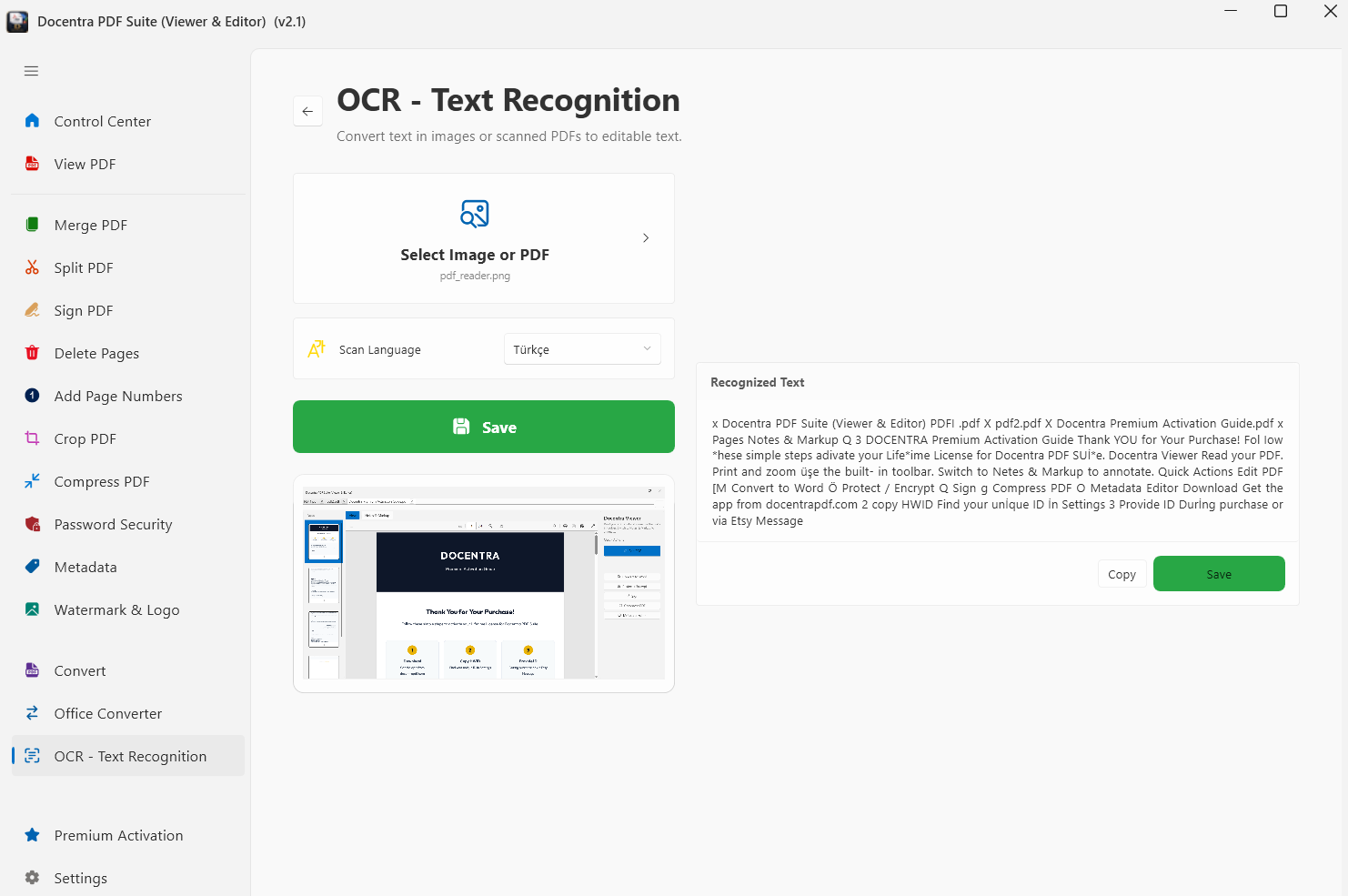
How it works:
- Launch Docentra PDF Suite on your Windows PC.
- Select the 'Local OCR' module from the tools dashboard.
- Drag and drop the scanned document or image file you wish to recognize.
- Click 'Run OCR' and save your searchable, selectable PDF document instantly.