Watermark & Logo Applicator
Why Apply Watermarks Offline?
- 🔒 Total Privacy 100% processed locally on your computer. Confidential unreleased drafts stay secure.
- ⚡ Maximum Speed Stamp hundreds of pages in seconds with multi-threaded local processing.
- 📦 No Restrictions Add logos without file caps, page limitations, or subscriptions.
How it works:
- Launch Docentra PDF Suite on your Windows PC.
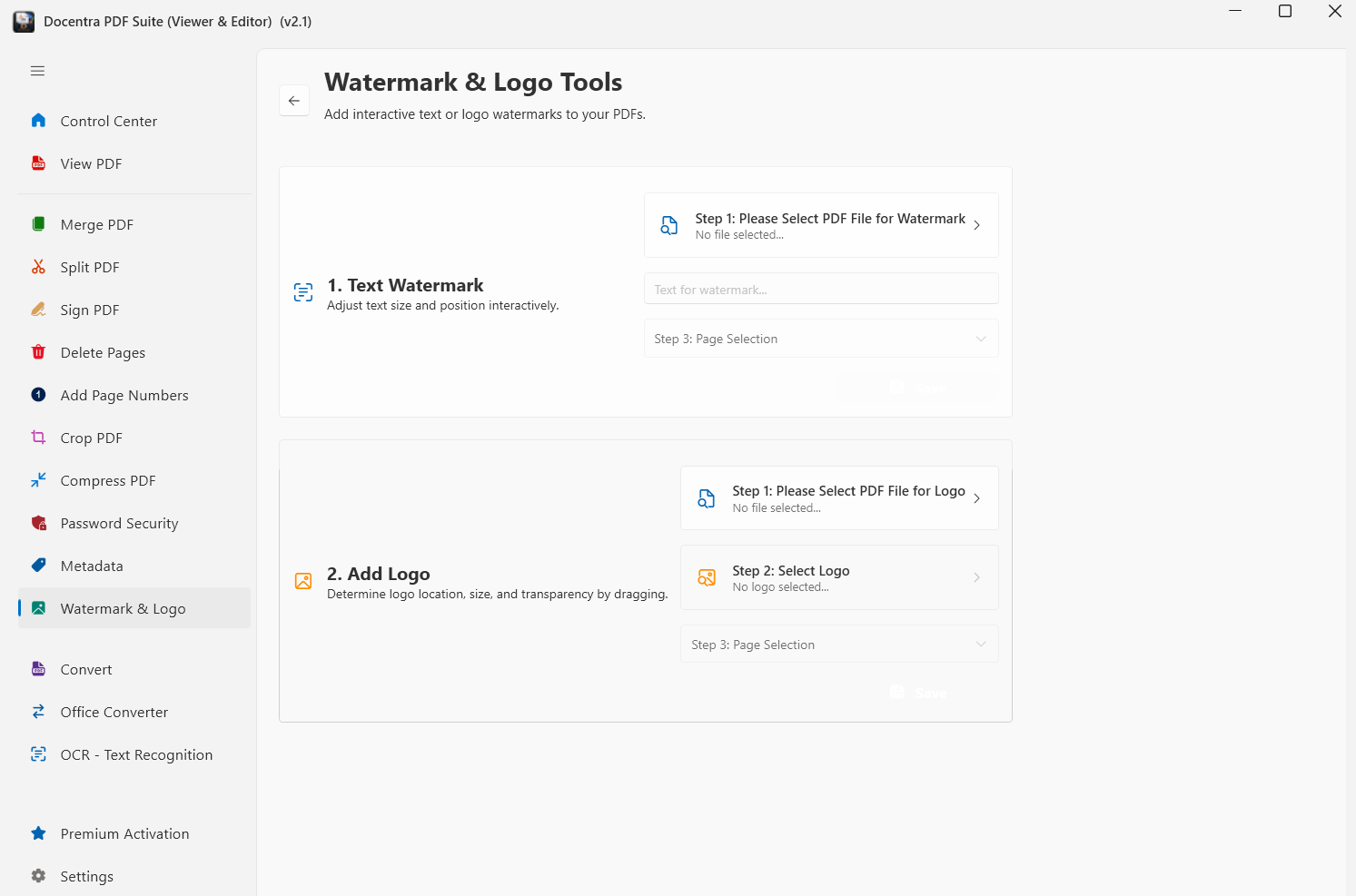
- Select 'Watermark & Logo' from the dashboard.
- Choose text or logo mode and customize appearance.
- Click 'Apply & Save' to export your watermarked document.
📖 Comprehensive Guide
How to Watermark Sensitive PDFs Offline (Without Cloud Uploads)
Learn why uploading confidential pitch decks and contracts to web watermark tools creates major data leak risks, and how to batch watermark 100% locally.